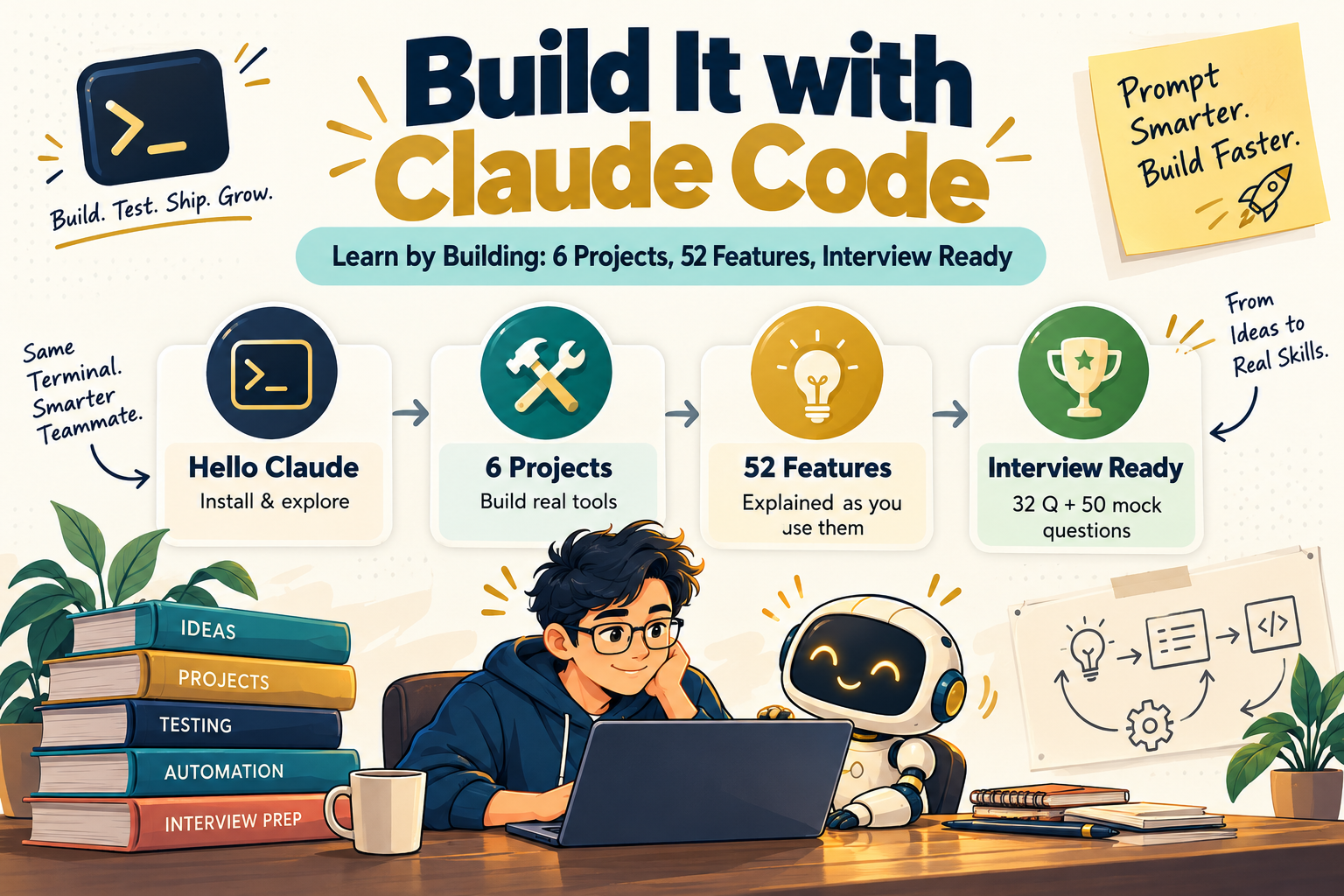
Build It with Claude Code
Learn Claude Code by actually doing it: 6 hands-on projects, 52 features explained as you use them, plus interview prep
Six real projects take you from installing Claude Code to running it in CI. Whenever a step uses a feature for the first time, a yellow box explains what it is, the terms in plain words and a simple example, right there in the step.
- Install Claude Code, choose models and effort, and understand the agentic loop
- Work the professional way: CLAUDE.md, plan mode, tests first, /rewind and git
- Enforce team rules with settings, deny rules, six hooks and a sandbox
- Connect MCP servers and turn a user story into running Playwright tests
- Ship a parallel subagent review team as a plugin, and run Claude in CI
- Prepare with 32 tiered interview questions and a 50-question mock interview
Secure payment • Digital eBook • Access after successful payment
Claude Code does a lot. Reading about it only gets you so far.
Claude Code ships new features every week. You learn a tool faster by building real things with it than by reading long theory chapters.
- Too much to learn from docsSkills, hooks, subagents, plugins, MCP and headless mode each have their own setup and terms.
- Rules that are only requestsWriting "don't touch .env" in CLAUDE.md is a request. Deny rules and hooks are what actually enforce it.
- Interviews ask what you builtIt's easier to answer with something you actually built than with something you read.
Learn each feature the moment you use it
Every step is exact
Each step tells you what to type and gives you a Check to confirm it worked.
"What you just used" boxes
What the feature is, the terms in plain words, a simple example and how it's used in real projects.
Meet Rohan and Meera
Each project opens with a tester new to Claude Code asking a senior engineer the questions real teams ask.
A 52-feature Learning Map
A progress checklist and index showing exactly where you learn each feature.
Two ways to read
Build everything in order with the 5-day plan, or jump straight to the feature you need.
Recap after every project
Each project ends with a recap, a quick check and optional challenges.
Six projects, Beginner to Advanced
Each project builds on the features from the one before. Then MCP Power-Ups and a full interview section turn what you built into confident answers.
Hello, Claude Code
Install, log in, choose a model and explore Flask, a real open-source repo. Read-only, so nothing can break.
Expense Tracker CLI
A Python tool built the professional way: rules → plan → tests first → implement → review → commit.
Guardrails & Team Settings
Team settings with deny rules, six hooks, a sandbox and a custom output style.
User Story to Playwright Tests
A /story-to-tests skill that explores a real app through MCP, writes specs and outputs a traceability matrix.
QA Toolkit Plugin
Three custom subagents run in parallel and merge one review verdict, shipped through a team marketplace.
CI Autopilot & Automation
GitHub workflows, a headless triage script, a goal-driven fix loop, a cloud scheduled task and the Agent SDK.
13 servers to connect next
What each does, the exact command to add it, a prompt to try and who benefits most.
32 questions in 4 tiers
Beginner to Lead / Architect, plus scenarios, trick questions, a rapid-fire round, real-world setups and code-based questions.
Cheat sheets and mock interview
Comparison tables, commands & shortcuts, glossary, Top 25 Must-Know Facts, Rapid Revision Sheet and a 5-round, 50-question mock interview.
A look at the pages


Written for
Newcomers to Claude Code
Project 0 starts at the install. You only need a terminal and git.
QA engineers & SDETs
Story-to-Playwright tests, a QA review plugin and nightly test-failure triage.
Team leads & architects
Team settings, hooks, plugins, marketplaces and Claude in CI.
Interview candidates
Tiered questions, scenarios and a full mock interview, answered with what you built.
Everything in the download
- The complete 134-page PDF
- 6 step-by-step projects, Beginner to Advanced
- 52 features explained where you first use them
- 13 MCP servers with the exact command to add each
- 32 interview questions in 4 tiers, plus scenarios and trick questions
- Comparison tables, commands & shortcuts cheat sheet and glossary
- 5-round, 50-question mock interview
- 5-day study plan
Questions, answered
What format is the eBook?
It's a 134-page PDF.
Is this a physical book?
No. It's a digital eBook. Nothing is shipped.
Do I need coding experience?
You need to be comfortable with a terminal and git. Project 0 starts at installing Claude Code, and every step tells you exactly what to type and how to check it worked. The projects use Python 3.10+ and Node.js 18+.
Do I need a paid Claude plan?
Yes. Claude Code needs a Claude subscription (Pro, Max, Team or Enterprise), a Claude Console API account, or company access through Amazon Bedrock, Google Cloud or Microsoft Foundry.
Will it go out of date?
Claude Code changes often. Every command was checked against the official documentation in October 2026, and the book tells you how to check what's changed if your screen looks different.
Is this an official Anthropic book?
No. It's an unofficial, independent guide, not affiliated with or endorsed by Anthropic.
Can I read it on mobile, laptop or tablet?
Yes. Any device that opens a PDF works.
What is your refund policy?
For a refund, please email sumitchaudhary07@gmail.com with your bank details.
Who do I contact if something goes wrong?
Message us on WhatsApp at +91 97116 25304.
From your first command to CI automation.
Six projects. Every feature explained where you use it.
Get this eBook