For managers, ops, HR, sales, marketing, admin, QA & IT professionals and freelancers

Stop asking ChatGPT random questions. Start using it to get real work done.

Work Less, Win More 50 ChatGPT Workflows to Work Smarter, Learn Faster and Earn More

Instead of staring at a blank ChatGPT box wondering what to type, find the situation you're in, copy a ready-to-paste prompt, add your details and get a useful first draft to work from.

  • 50 Workflows
  • 50 Ready-to-Paste Prompts
  • 10 Categories
  • 7-Day Starter Plan

Real Prompts. Real Situations. Copy, Paste, Adapt.

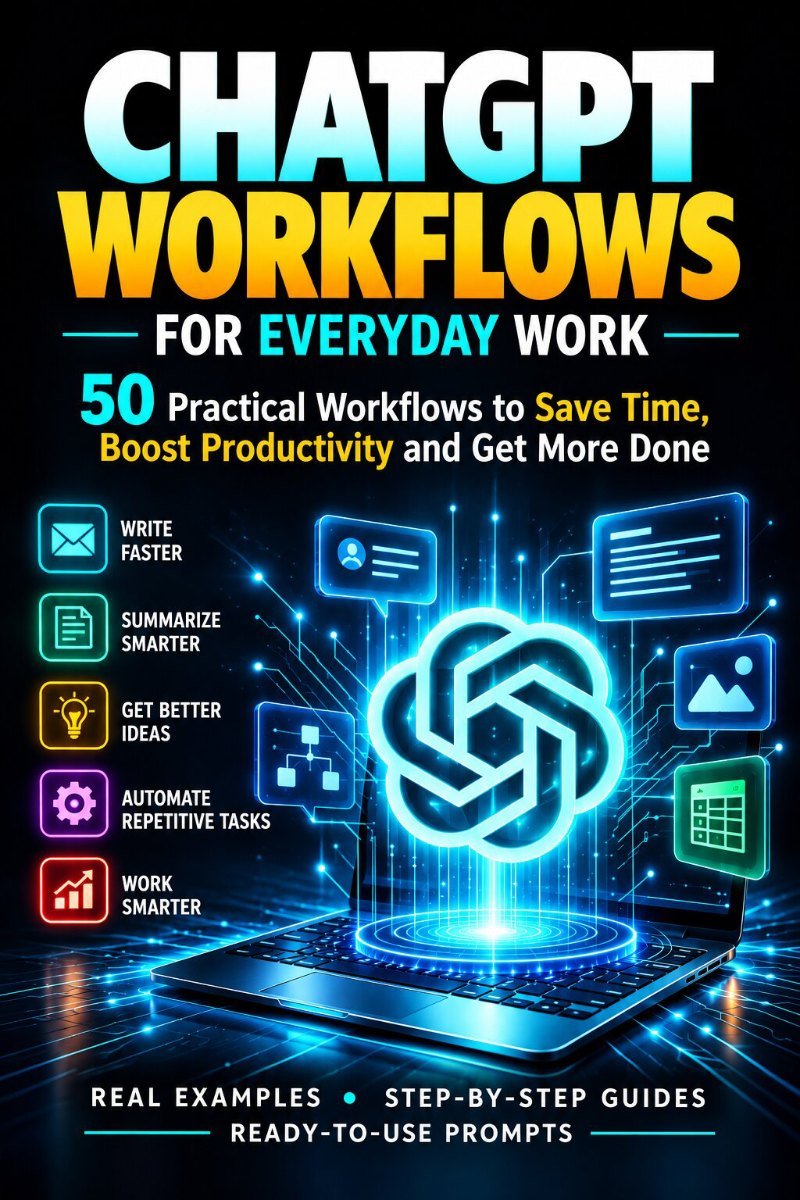
Cover of the eBook: 50 practical ChatGPT workflows for everyday work, with real examples, step-by-step guides and ready-to-use prompts

The problem

You have ChatGPT. But are you actually using it to save time?

Most of the week is made of the same kinds of tasks. They're exactly where ChatGPT helps, if you know what to ask.

  • Writing emails from scratch
  • Turning meeting notes into actions
  • Creating status reports
  • Planning projects
  • Learning new skills
  • Preparing for interviews
  • Working with spreadsheets
  • Creating content
  • Exploring side-income ideas
  • Spending more time figuring out the prompt than doing the task

You don't need hundreds of random AI prompts.

You need repeatable workflows for real situations.

Introducing Work Less, Win More

Not a book about ChatGPT. 50 things you can actually do with it.

A practical collection of workflows for work and beyond. Each one starts from a real problem and ends with something you can use, send or act on.

  1. Find your problem

    Browse 10 categories to the situation you're in this week.

  2. Copy the workflow

    Follow the steps and grab the ready-to-paste prompt.

  3. Add your context

    Replace the [bracketed placeholders] with your real details.

  4. Run the prompt

    Get a structured first draft instead of a blank page.

  5. Improve the result

    Use the follow-up prompt, then check and edit with your own judgment.

Every prompt is a template, not a magic spell. You still bring the judgment, the context only you have, and the final edit.

What's inside

Everything you need to go from blank box to finished draft.

50

Practical workflows

Each tagged by difficulty so you can start easy and build up.

BeginnerIntermediateAdvanced
50

Ready-to-paste prompts

Fill in the highlighted parts and run.

50

Follow-up prompts

The second message that takes each result further.

10

Categories

From communication to side income to spreadsheets.

8

Diagrams

Visual maps of the loops behind the workflows.

7

Day Starter Plan

One small, real task per day to build the habit.

1

Follow-Up Cheat Sheet

Follow-ups that work with any workflow in the book.

Preview: Follow-Up Prompt Cheat Sheet

The first answer is rarely the best one.

The real skill is the second message. A few rows from the cheat sheet:

Make it shorter
“Cut this to half the length without losing the key point.”
Change only the tone
“Make it [warmer / more direct / less formal]. Keep the content identical.”
Catch mistakes
“What assumptions did you make? Which parts should I double-check?”

The 10 categories

Fifty workflows, ten real areas of work and life.

Find your problem, then find its category.

  • 01 · Workflows 1–3

    Communication

    Turn rough, emotional or rushed drafts into messages that get read, answered and acted on.

    Emails, pushback, follow-ups
  • 02 · Workflows 4–6

    Meetings & Reporting

    Make sure decisions and progress don't disappear into a notebook or an unread email.

    Notes to actions, status reports
  • 03 · Workflows 7–9

    Planning & Process

    Turn a vague idea, or a process stuck in someone's head, into something written and shareable.

    Project plans, SOPs, rehearsal
  • 04 · Workflows 10–12

    People & Talent

    A drafting and rehearsal partner for interviews, reviews and feedback. Your judgment stays in charge.

    Interviews, reviews, feedback
  • 05 · Workflows 13–15

    Content & Docs

    Write once, use everywhere, and get a second pair of eyes before anything important goes out.

    Repurposing, FAQs, proofreading
  • 06 · Workflows 16–22

    Learning & Upskilling

    Make ChatGPT teach you, not just tell you, at your level and your pace.

    Tutor, roadmaps, active recall
  • 07 · Workflows 23–29

    Image Creation

    A reusable formula for describing images, applied to the visuals professionals actually need.

    Visuals, mockups, photo edits
  • 08 · Workflows 30–36

    Side Income

    Remove the friction between “I have a skill” and “someone paid me for it.”

    Offers, proposals, digital products
  • 09 · Workflows 37–43

    Career Growth

    Present your real experience clearly and rehearse the moments that matter.

    Resume, interviews, promotion
  • 10 · Workflows 44–50

    Productivity & Data

    Formulas that work the first time, data that answers questions, and a day with a plan.

    Excel, analysis, planning, research

Sample workflows

A look at what you'll be using.

Every workflow starts from a situation you'll recognise. Here's one in detail, and a few more from across the book.

Workflow 1CommunicationBeginner

The Diplomatic Pushback Email

The problem: You disagree with a decision, a deadline or a request from a manager, client or another department, and your first draft sounds either too blunt or too apologetic.

Your prompt Rewrite this email so it's professional, firm and respectful. I want to push back on [the request/decision] without sounding difficult or emotional…

The full prompt, steps, pro tip, common mistake and follow-up prompt are inside the book.

Example in action

A team lead was asked to cut a project timeline from 6 weeks to 3.

First draft“This is impossible and honestly kind of unfair to ask.”
Sent version“I want to flag a real risk with the 3-week timeline before we commit to it. Here's what would need to be true for that to work, and here's a 4-week alternative that protects quality.”

Same objection, sent, not shelved.

  • No. 2Beginner

    Meeting Notes → Action-Item Email

    You leave a meeting with scattered notes, nobody sends a follow-up, and decisions quietly get forgotten.

    Communication
  • No. 7Intermediate

    Rough Idea → Structured Project Plan

    You've been handed a new initiative with a one-line description and need a real plan by end of day.

    Planning & Process
  • No. 10Intermediate

    Structured Interview Questions + Scorecard

    Without structure, interviews drift and fair comparison afterward becomes almost impossible.

    People & Talent
  • No. 25Beginner

    Social Media Graphics That Stop the Scroll

    You need a quick graphic for a post or announcement, and design tools feel like a 45-minute detour.

    Image Creation
  • No. 30Beginner

    Skill-to-Offer Finder

    You'd like a side income but don't know which of your skills people would pay for, so you never start.

    Side Income
  • No. 37Beginner

    Resume Tailor for a Specific Job

    The same resume goes to every job and rarely gets past screening because it doesn't speak to the role.

    Career Growth
  • No. 44Beginner

    Excel & Google Sheets Formula Builder

    You know what you want the spreadsheet to do, like flag overdue invoices, but not the formula to do it.

    Productivity & Data
  • No. 46Beginner

    Brain-Dump → Daily Priority Plan

    You start the day with 23 things in your head and end it busy, without having done the important thing.

    Productivity & Data

How each workflow works

Same shape, every time.

Once you've used a few, you'll start writing your own prompts for problems the book doesn't cover.

  1. 1

    Problem it solves

    The real situation, so you can find yours fast.

  2. 2

    Steps

    The handful of actions to take, in order.

  3. 3

    Ready-to-paste prompt

    With highlighted parts to fill in.

  4. 4

    Example in action

    What it looked like on a real task.

  5. 5

    Pro tip

    The detail that makes it work better.

  6. 6

    Common mistake

    The one thing that ruins the result.

  7. 7

    Follow-up prompt

    The second message that takes it further.

Beginner

Paste and go.

Intermediate

Needs some preparation or judgment.

Advanced

Higher stakes; verification really matters.

Who this is for

Built for the work you already do.

For anyone who wants ChatGPT to do real work. A few examples of where each role starts:

Managers

  • Weekly status reports from raw notes
  • Structured interview scorecards
  • Performance review drafts and feedback scripts

HR

  • Policy documents turned into employee FAQs
  • Fair, structured interview questions
  • Rehearsing difficult conversations

Sales & Marketing

  • 3-email customer follow-up sequences
  • One post repurposed into many formats
  • Outreach that doesn't feel like spam

Operations & Admin

  • Verbal explanations turned into written SOPs
  • Meeting notes into action-item emails
  • Trip, offsite and event planning

QA & IT

  • Spreadsheet formulas and data analysis from exports and defect logs
  • Layered explanations of technical concepts
  • Career pivots, such as testing to AI evaluation

Freelancers

  • Finding which skills people will pay for
  • Profiles, gig listings and proposals
  • Pricing and packaging a service

Professionals

  • A daily priority plan from a brain-dump
  • Decision matrices for tough choices
  • Learning roadmaps and active recall

Career switchers & job seekers

  • A resume tailored to each job
  • Mock interview practice
  • LinkedIn makeover and offer negotiation prep

Before vs after

From vague requests to structured, reusable workflows.

Every prompt in the book is built from the same five parts. When a result disappoints, the missing part is almost always the reason.

Before

  • “ChatGPT, write an email.”
  • “Give me some ideas.”
  • “Help me with Excel.”

No role, no context, no format. ChatGPT has to guess, and you get something generic.

After

  1. Role“Act as an experienced HR business partner”
  2. + Context“I manage 8 people; this is for a new hire's first week”
  3. + Task“Write a welcome email and a day-1 agenda”
  4. + Format“Email under 150 words, agenda as a table”
  5. + Guardrails“Mark anything you're unsure of as [CHECK]”

The prompts are tuned to produce a genuinely useful first draft. You still check facts, numbers and tone before anything goes out.

Your 7-Day Starter Plan

You don't have to use all 50 at once.

One small, real task per day, across different categories. By day 7 you've used ChatGPT for writing, learning, visuals, your career and your side projects.

  1. Day1

    Communication Quick Win

    Use a communication workflow on your next meeting or an email you've been avoiding.

    20 minutesOne real message sent, drafted with ChatGPT and edited by you
  2. Day2

    Learn Something

    Pick one concept you keep hearing at work and learn it with two learning workflows.

    30 minutesExplain that concept in one sentence without notes
  3. Day3

    Make a Visual

    Create one image for a slide or post, then make a graphic or improve a photo.

    25 minutesOne image you'd actually use, and the prompt that made it
  4. Day4

    Tame Your Workday

    Plan your day from a brain-dump and solve one spreadsheet problem.

    30 minutesA day with one protected focus block, and a formula that works
  5. Day5

    Invest in Your Career

    Start a running record of your wins and rewrite your LinkedIn headline.

    30 minutesAn updated headline and a record you'll keep adding to
  6. Day6

    Explore a Side Income

    Match your real skills and hours to an offer, then draft a first message.

    30 minutesOne specific offer and one message ready to send
  7. Day7

    Build Your Prompt Library

    Review the week and save the prompts that saved you the most time.

    20 minutesA personal library of 3 proven prompts to reuse next week

What you get

Everything in one practical guide.

Work Less, Win More eBook cover

Work Less, Win More

50 ChatGPT Workflows to Work Smarter, Learn Faster and Earn More

  • 50 practical workflows
  • 50 ready-to-paste prompts
  • 50 follow-up prompts
  • 10 categories
  • 8 diagrams
  • Follow-Up Prompt Cheat Sheet
  • 7-Day Starter Plan
Price₹499
Get the eBook

Also includes real examples, pro tips and common mistakes for every workflow.

FAQ

Questions, answered.

Is this only for advanced ChatGPT users?

No. Every workflow is tagged Beginner, Intermediate or Advanced. Beginner workflows are paste and go, so you can start easy and move up.

Do I need technical knowledge?

No. Most workflows only need a normal chat. Some use features such as file uploads, voice mode, web search or image generation; availability depends on your ChatGPT plan.

Are the prompts ready to use?

Yes. Each workflow includes a ready-to-paste prompt. You replace the [bracketed placeholders] with your real details and run it.

Can I customize the prompts?

Yes, they're designed as templates. The Follow-Up Prompt Cheat Sheet also shows how to turn any conversation that went well into your own reusable template.

Does this cover only office work?

No. Alongside communication, meetings, planning and people work, it covers learning, image creation, side income, career growth, and personal tasks like trip planning and budget reviews.

Does the book include examples?

Yes. Every workflow includes an example in action, a pro tip and the common mistake to avoid.

Is this useful for beginners?

Yes. If you have five minutes, find one workflow that matches a problem you have this week and use its prompt as-is. If you want to build the habit, follow the 7-Day Starter Plan.

Will ChatGPT do the work for me?

It gives you a strong, structured first draft. The book is clear that you still bring the facts, the context and the final check. It also includes privacy and safety ground rules for what to paste and what not to.

Stop wondering what to ask ChatGPT. Start using it to get real work done.

Work Less, Win More

  • 50 practical workflows
  • Ready to copy
  • Easy to adapt
  • Built around real situations
Get the eBook

₹499

Work Less, Win More50 ChatGPT workflows · ₹499

Get the eBook